
Split into lanes and meet back up
Let your group do different things at the same time on one shared itinerary, then show everyone where and when you'll meet back up.
2 min readUpdated 21 October 2026
Group trips go wrong when everyone has to do everything together, or when the group splits up and nobody knows where anyone is. In OohWeGo the plan can split into lanes: part of the group goes to the spa while the others go go-karting, then everyone meets back up for dinner. It's still one plan, and everyone can see who's where.
Split the group
- On the trip's Plan, choose Add, then Split the group. Or start from an activity with Split from on its card, and the split begins there.
- Pick the Day and the time it starts From.
- Choose where everyone meets back at: one of the activities later in the plan, or at a set time when there's nothing planned after it yet. A split can run over several days.
- Name each lane ("Spa crew", "Go-kart gang") and tick who's in it. Add lane for more. Anyone you don't put in a lane stays in Everyone else.
- If activities are already planned during the split, say which lane each one belongs to.
- Choose Create split.
The lanes now run side by side on the plan, between the split and the rejoin, and the plan shows where everyone joins up again (for example, "Rejoin · Odaiba Beach").
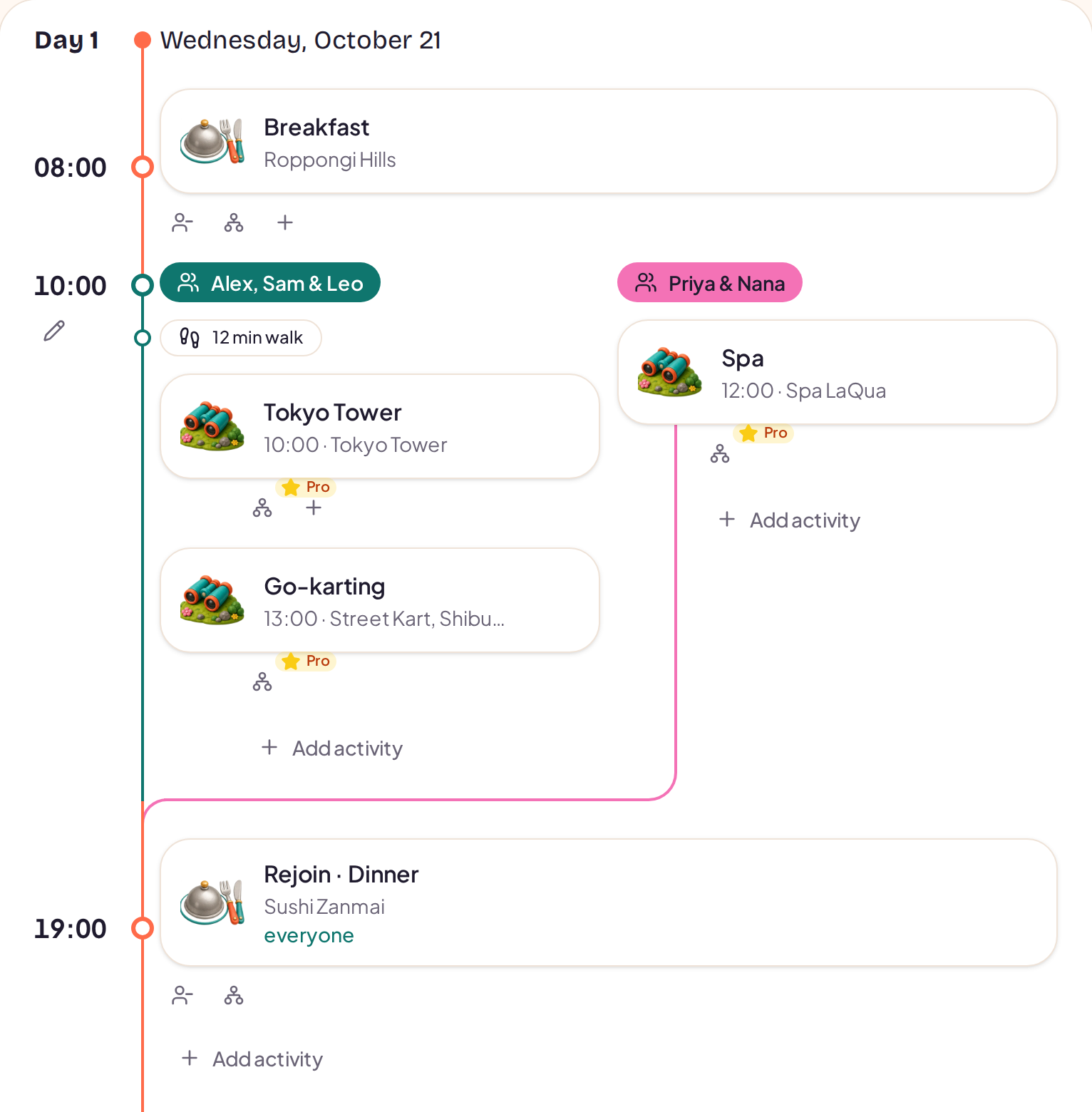
Plan each lane
- Add activity to a lane, at the end of that lane, or pick the lane in any activity's Lane field.
- Drag an activity onto another lane's card to move it there.
- A lane with nothing in it yet says Nothing planned yet, so it's easy to see who still needs a plan.
You don't always need the split dialog. When you add an activity, set its Lane to Choose people… and tick who's going. OohWeGo gives those people a lane of their own for that time, and anything shared stays everyone's.
Change or remove a split
Choose Edit split on the plan to rename lanes, move people or remove a lane; its activities go back to the shared plan. Remove split puts every lane's activities back in the shared plan.
Everyone's plan, or just yours
On a phone, the lanes are tabs, opening on your own. On a wider screen, pick someone under People to see only their plan: the shared stops plus their lane's. Board shows the whole trip, everyone side by side, with the splits and rejoins marked. My day shows each person their own day, with where the others are and when you meet.
Lanes inside lanes
Need the spa crew to split again for an hour? That's nested lanes, on Pro.
More guides
All guides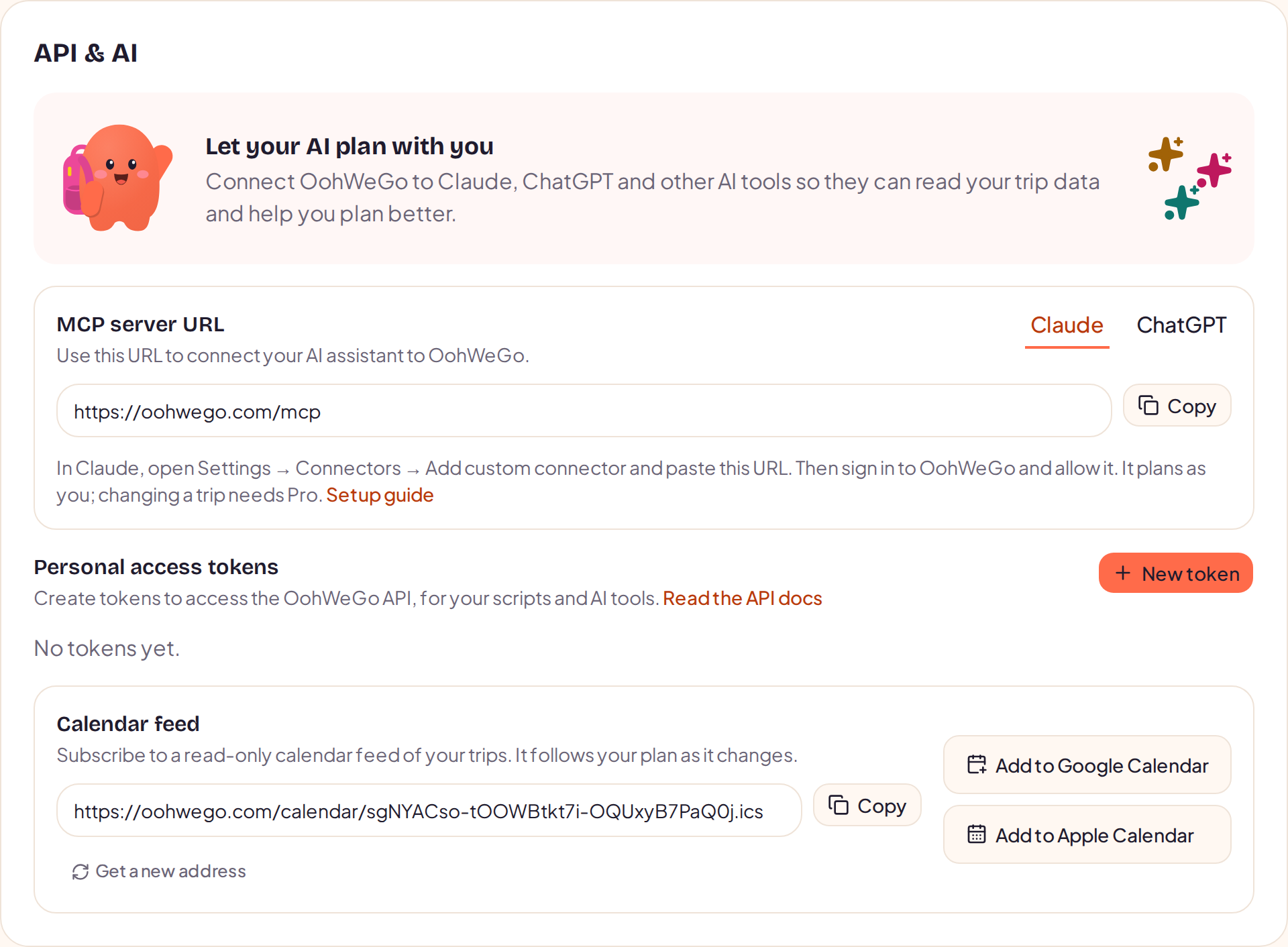 2 min read
Plan your trip with Claude or ChatGPT
Connect OohWeGo to Claude or ChatGPT, and your AI can read your group's trips and plan them with you: find places, fill a day and split the group up.
Read the guide- 3 min read
How to plan a group trip
Plan a group trip without five itineraries in the group chat: one shared plan, room for people to split up, shared lists and costs, step by step.
Read the guide 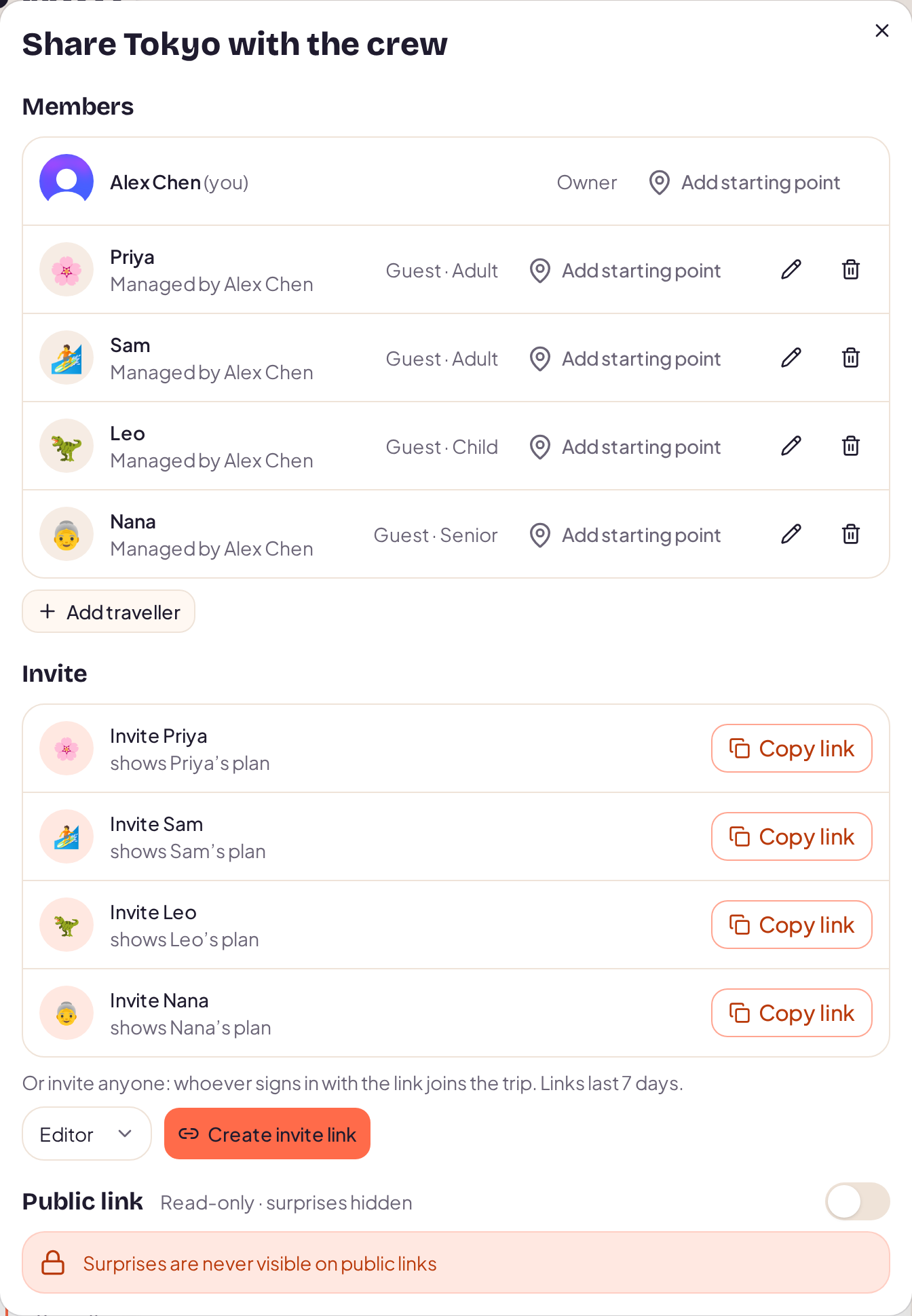 2 min read
Plan a family trip with kids and grandparents
A family trip planner for every generation: add kids and grandparents without accounts, split the day by pace, meet up for dinner and settle costs by family.
Read the guide

Plan your next trip together
Free for any group size.