
Plan your trip with Claude or ChatGPT
Connect OohWeGo to Claude or ChatGPT, and your AI can read your group's trips and plan them with you: find places, fill a day and split the group up.
2 min readUpdated 21 October 2026
Ask "Plan our first day in Tokyo" or "Find a ramen spot near our Day 3 beach", and your AI does it in your trip, where the whole group sees it, instead of in a chat you then copy from.
Connect your AI
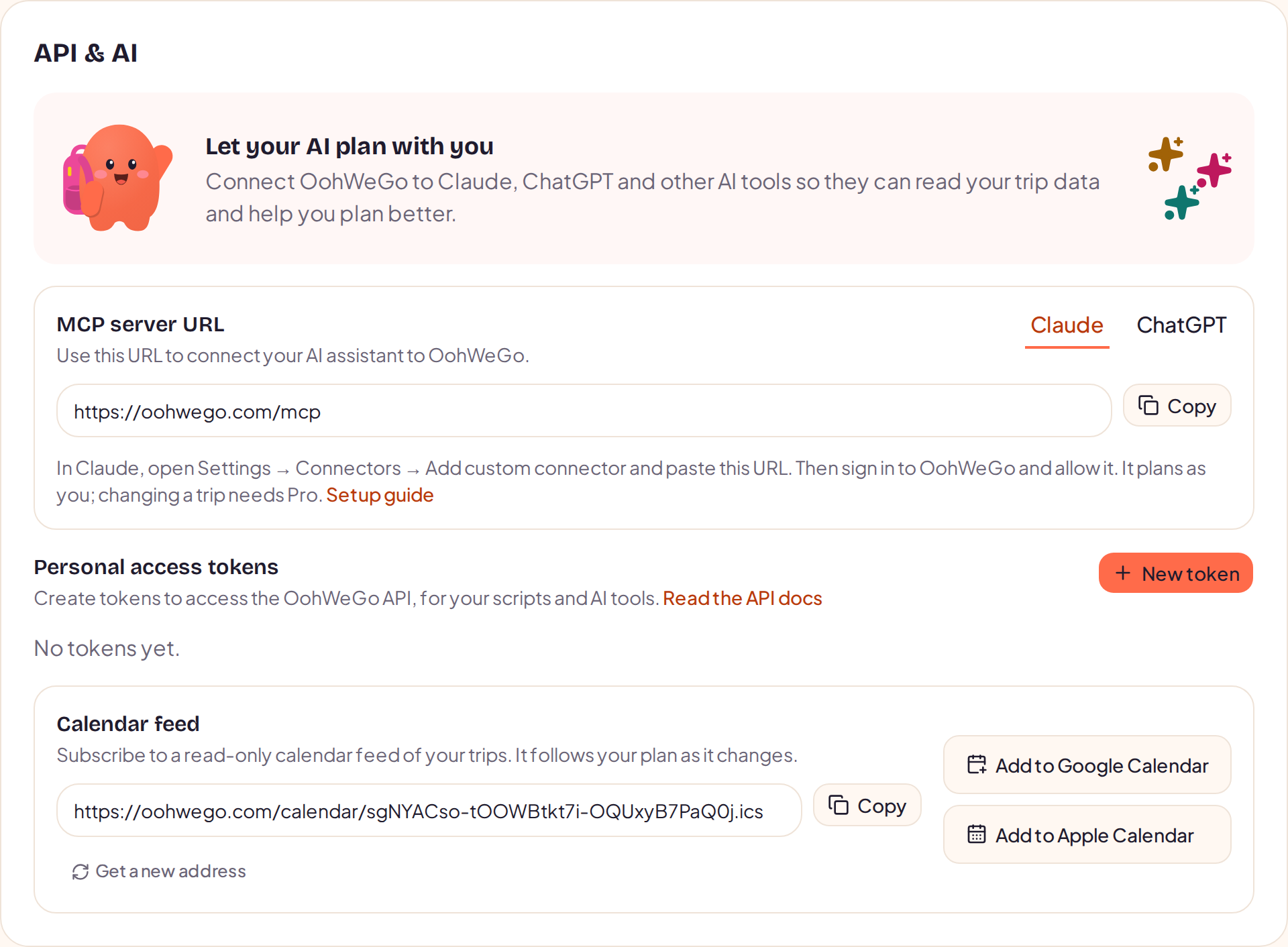
You connect once, by signing in to OohWeGo and allowing the app. There are no keys to copy.
- Claude: in Settings → Connectors, choose Add custom connector, name it OohWeGo and paste
https://oohwego.com/mcp. Sign in to OohWeGo in the window that opens and allow Claude. Then turn OohWeGo on in a chat from the connectors menu. - ChatGPT: turn on Developer mode (Settings → Apps → Advanced settings), then create an app named OohWeGo with the URL
https://oohwego.com/mcpand OAuth to sign in. Developer mode is for paid ChatGPT plans.
OohWeGo's Settings → API & AI has the URL to copy, too. The setup guide covers Claude Code, other apps and scripts.
What to ask
Your AI can:
- read your trips, who's on them and anyone's plan, lanes and all;
- search for real places, and add, change, move or remove activities;
- split the group into lanes and plan each one;
- read and change the trip's lists, and pin places to the wishlist;
- see where wishlist places fit your plan best;
- log what someone paid, and say who owes whom.
Try "Fill Day 2 around the places on our wishlist", "Split us up on Saturday afternoon: Aisha and Nana want the spa, the rest of us go-karting", "Add a packing list for a beach week", or "Add the A$60 ramen Zayd paid for the three of us".
What it can't do
It works as you, so it sees and does only what you can. It can read any trip you're on; changing one takes Pro, on the trip owner's plan. Surprises kept from you stay surprises for your AI too, and it asks before removing anything.
To disconnect, remove OohWeGo from the app's connectors.
More guides
All guides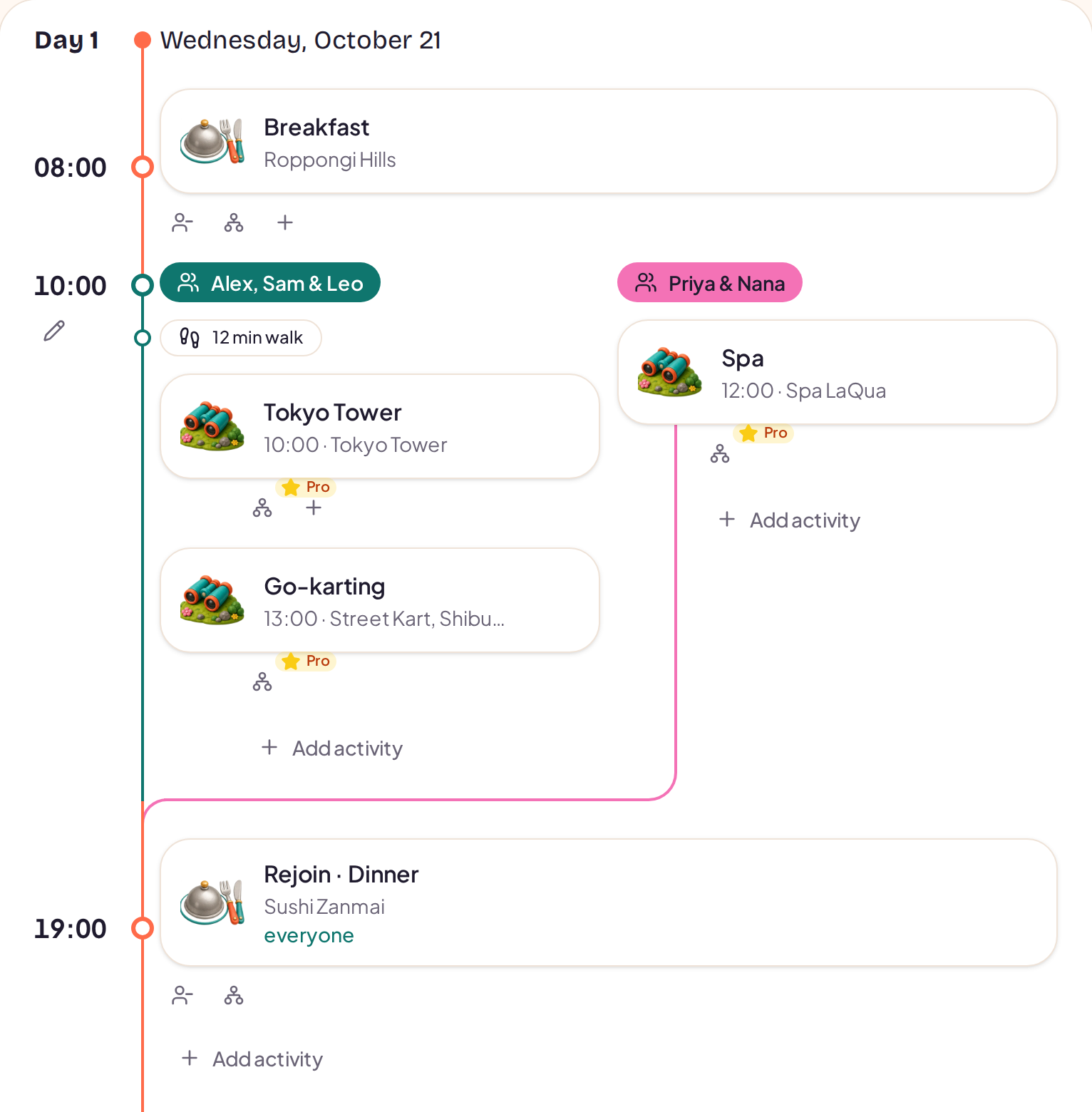 3 min read
How to plan a group trip
Plan a group trip without five itineraries in the group chat: one shared plan, room for people to split up, shared lists and costs, step by step.
Read the guide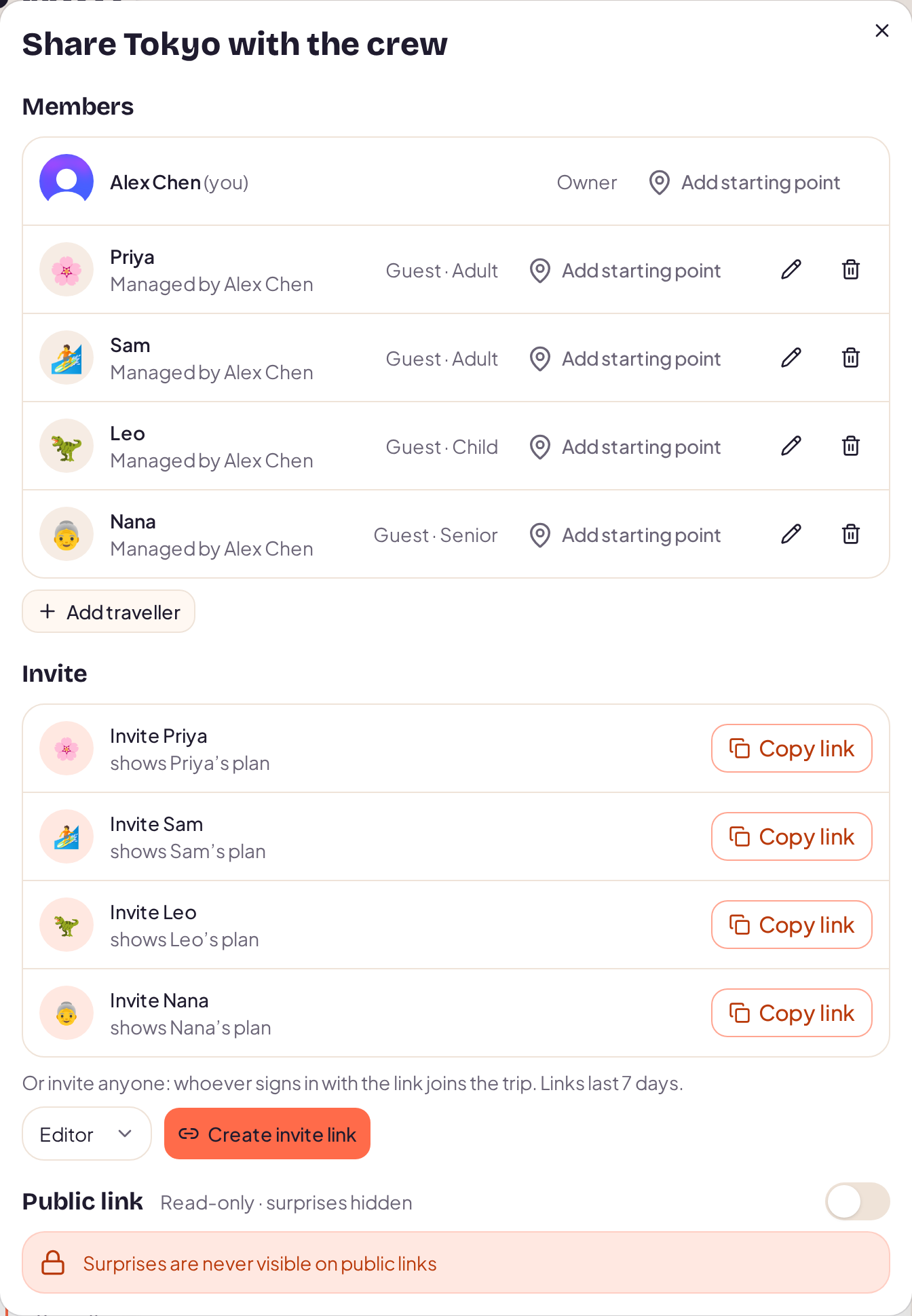 2 min read
Plan a family trip with kids and grandparents
A family trip planner for every generation: add kids and grandparents without accounts, split the day by pace, meet up for dinner and settle costs by family.
Read the guide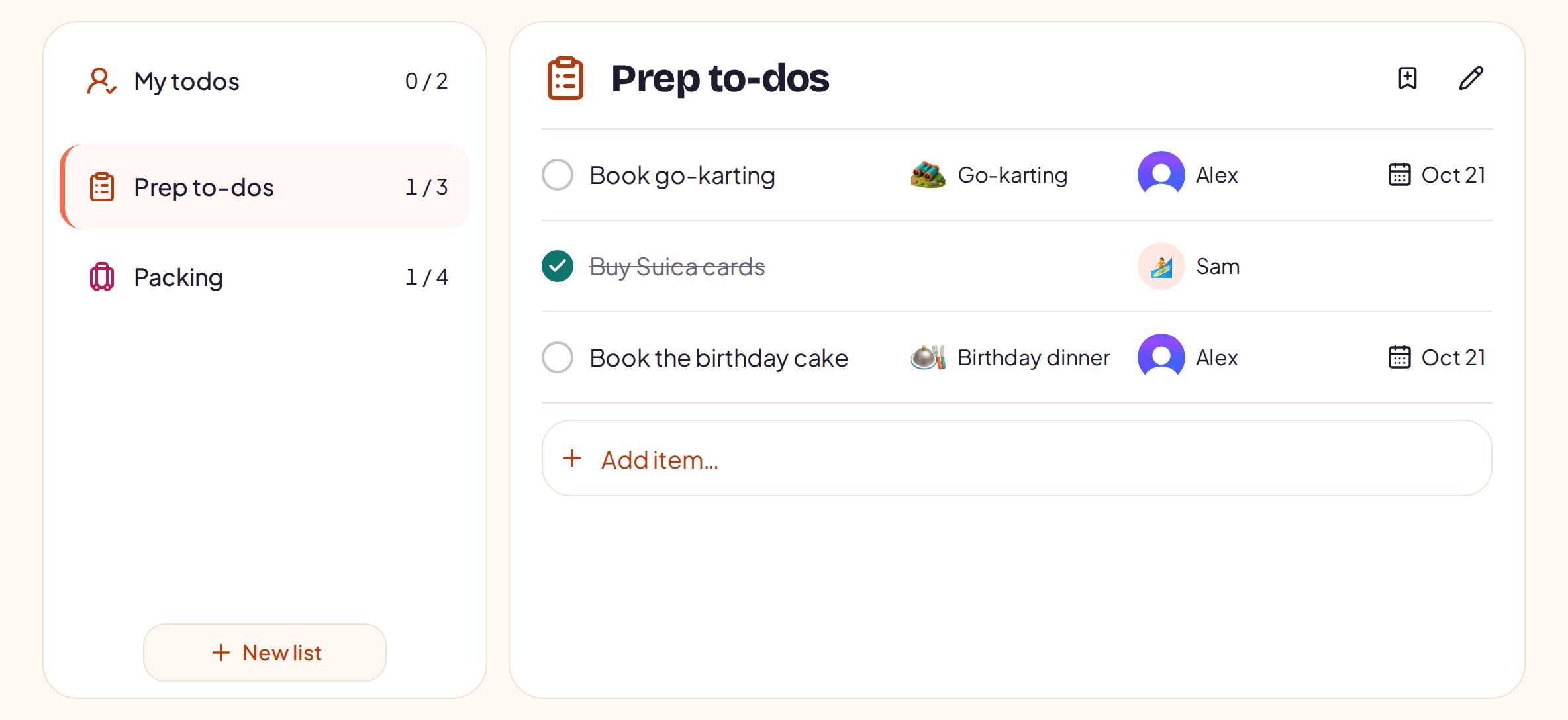 6 min read
How to plan a family reunion
How to plan a family reunion step by step, from 12 months out: pick the date together, share the costs and jobs, and plan for every generation.
Read the guide

Plan your next trip together
Free for any group size.