
Shared lists and packing lists
Keep your group trip's to-dos and packing lists in one place, assign items to people, set due dates with reminders, and reuse lists on every trip.
2 min readUpdated 21 October 2026
Who's booking the go-karting? Did anyone apply for the visa? A trip's Lists keep the group's to-dos and packing in the same place as the plan, so nobody has to ask in the group chat.
Make a list
- Open the trip's Lists and choose New list.
- Give it a name ("Prep to-dos", "Packing") and an icon, then Create list.
- Type in Add item and press Enter for each one. Tick items off as they're done: the list shows how many are left ("1 / 3").
Drag items, or whole lists, to put them in order.
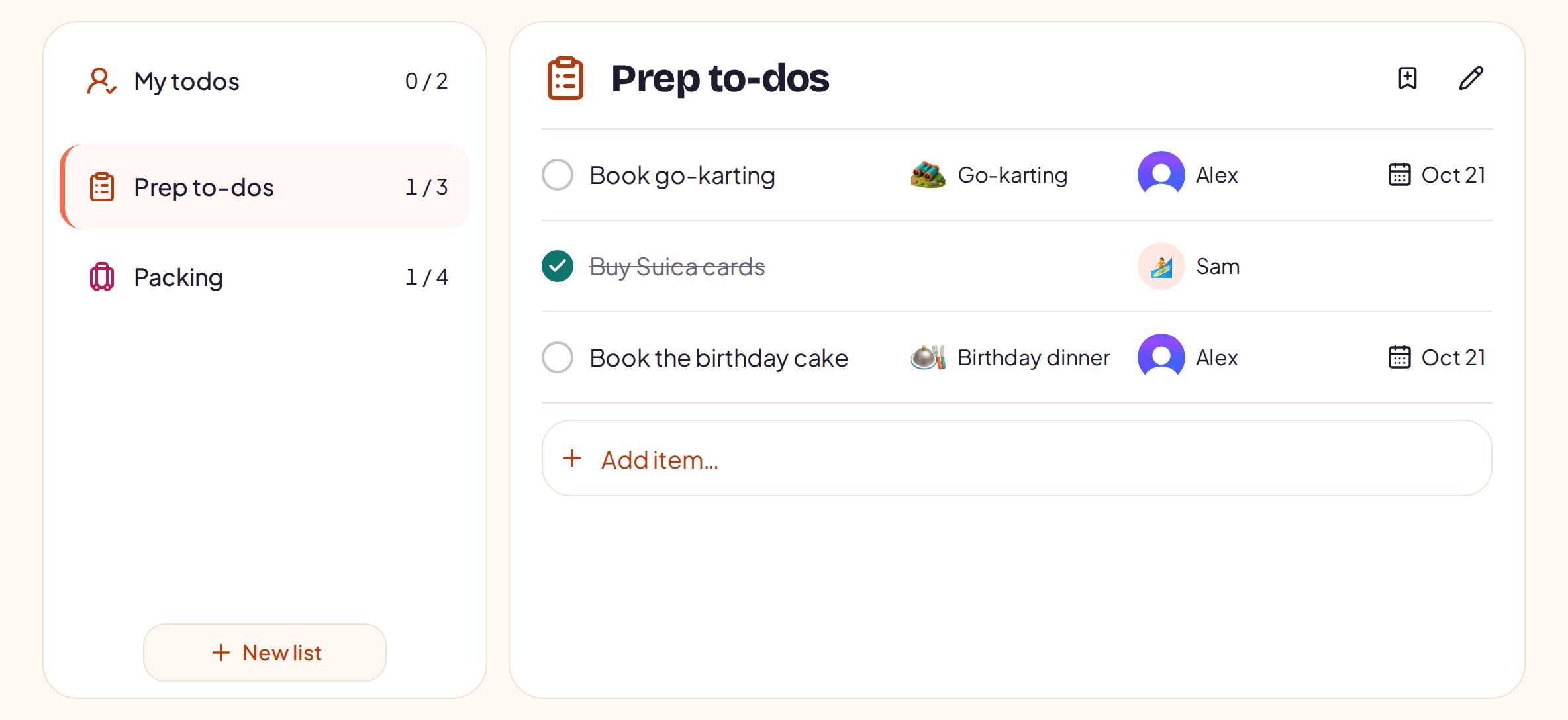
Who, when and what for
Open an item to give it:
- Notes, such as "Two photos each".
- Who it's for: tick the people doing it. Each person sees theirs in My todos, across all of the trip's lists, and in My day on the day.
- Due: a date. Then Add reminder to be reminded before it's due, for example 2 weeks before at 08:30.
- Activity: link it to something on the plan, like "Book go-karting" to the go-karting. The activity shows its to-dos.
Personal lists
A list can be only you: a gift list for the group, or your own packing. Nobody else on the trip sees it. Viewers on the trip see the shared lists but can't change them.
Reuse lists on every trip
My lists holds lists of your own that aren't tied to a trip, such as your standard packing list. Choose Use in trip to copy one into a trip, unticked and ready to go. On a trip's list, Save as template keeps a copy in My lists for next time. My lists also has ready-made starters, like "Leaving the house".
More guides
All guides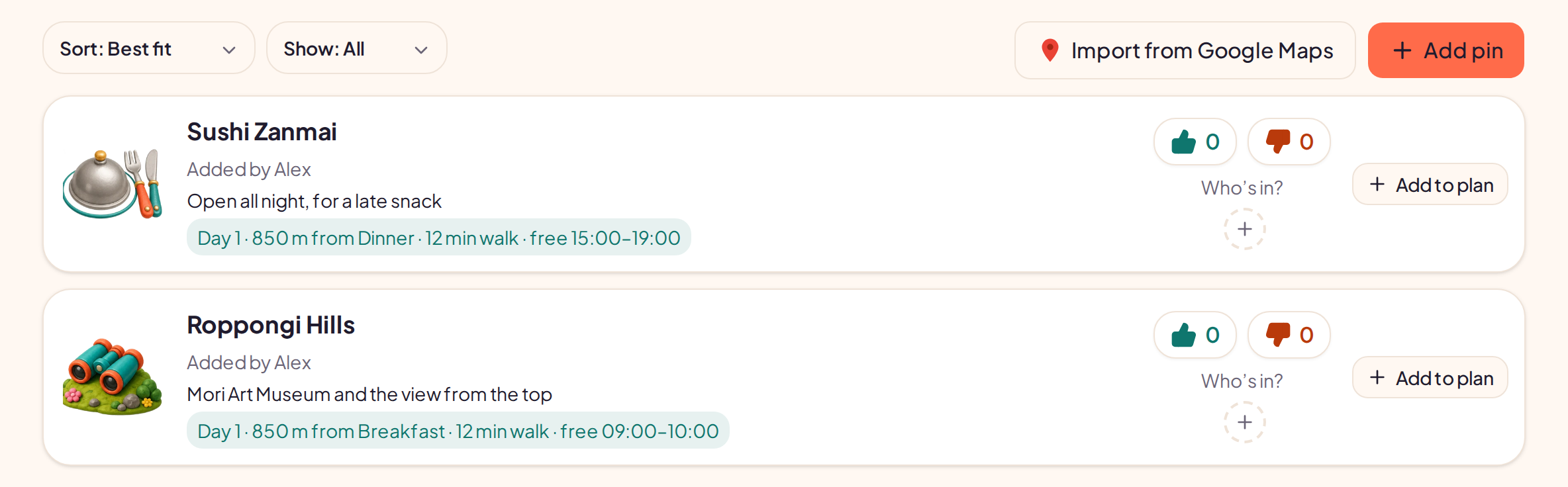 2 min read
The wishlist, and where each place fits
Pin the places your group wants to go, vote on them, and see which day and free time each one fits your trip plan best before you add it.
Read the guide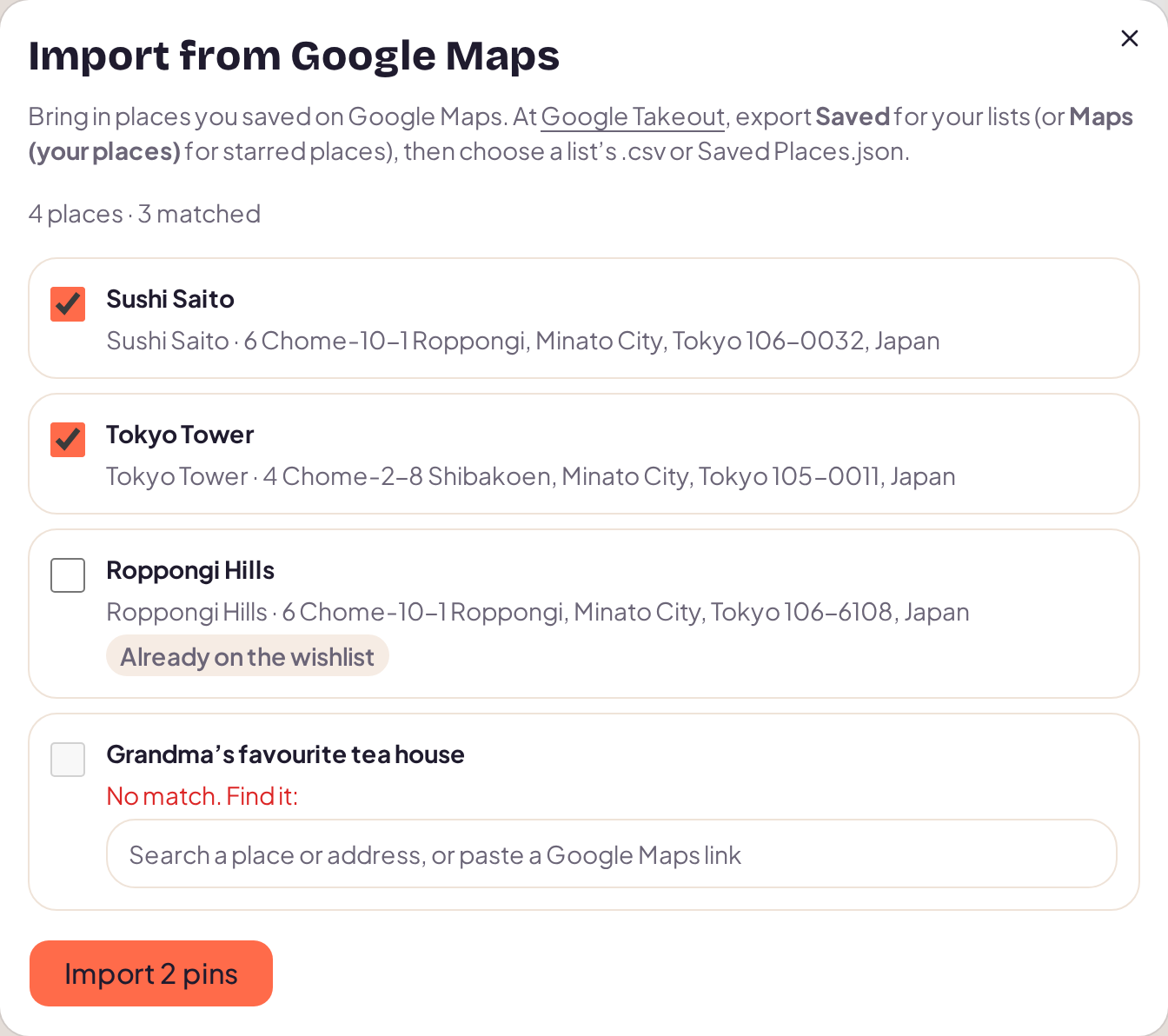 1 min read
Import your saved places from Google Maps
Bring the places you've saved or starred in Google Maps into your group trip's wishlist, matched, checked and pinned in one go.
Read the guide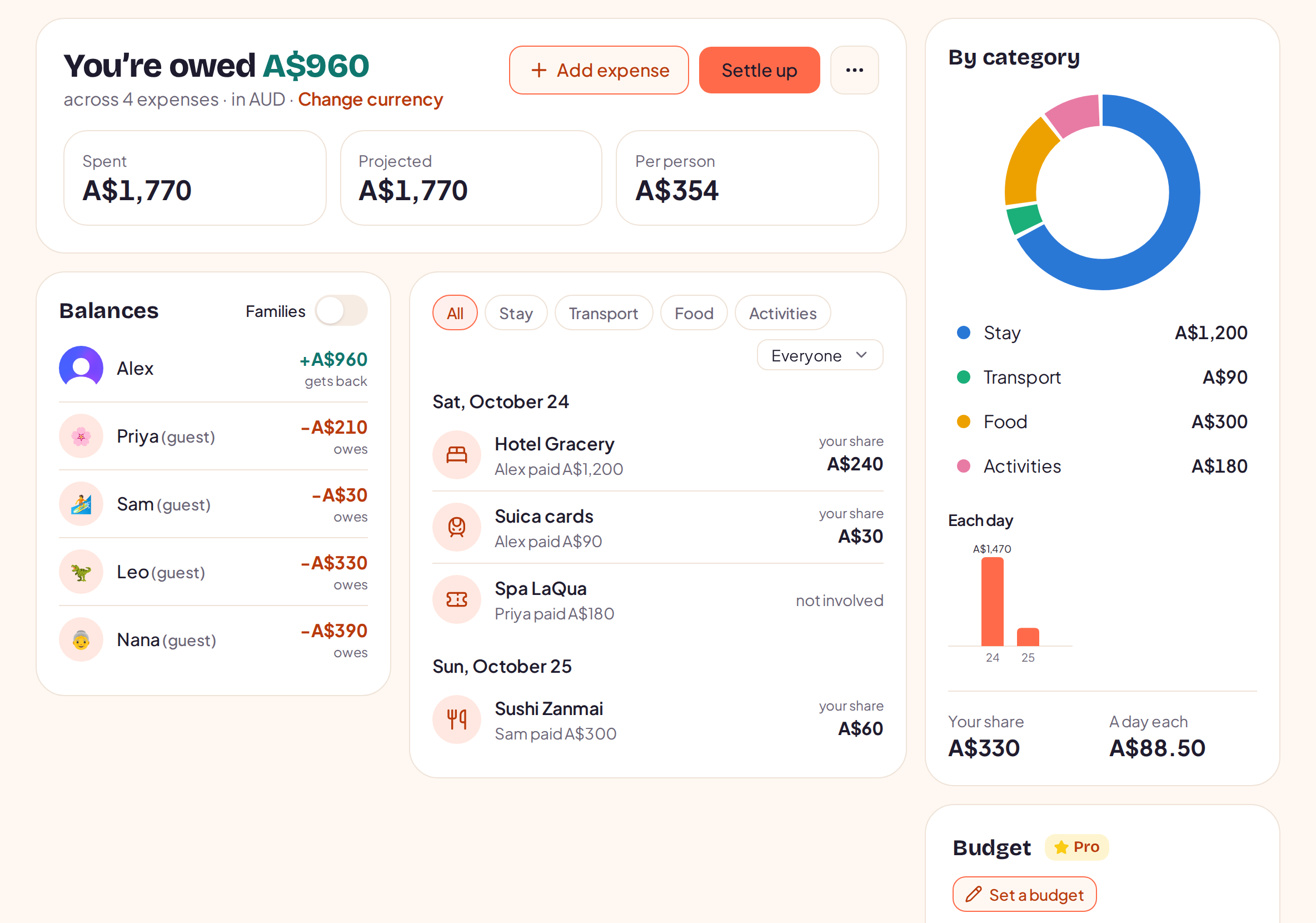 3 min read
Split trip costs and settle up
Log what anyone pays, split it equally or your own way, share activity costs with whoever's going, and settle up in the fewest payments.
Read the guide

Plan your next trip together
Free for any group size.