
Nested lanes (Pro)
Split a lane again, so part of a group that's already split up can go off on its own for a while, then rejoin its lane.
1 min readUpdated 21 October 2026
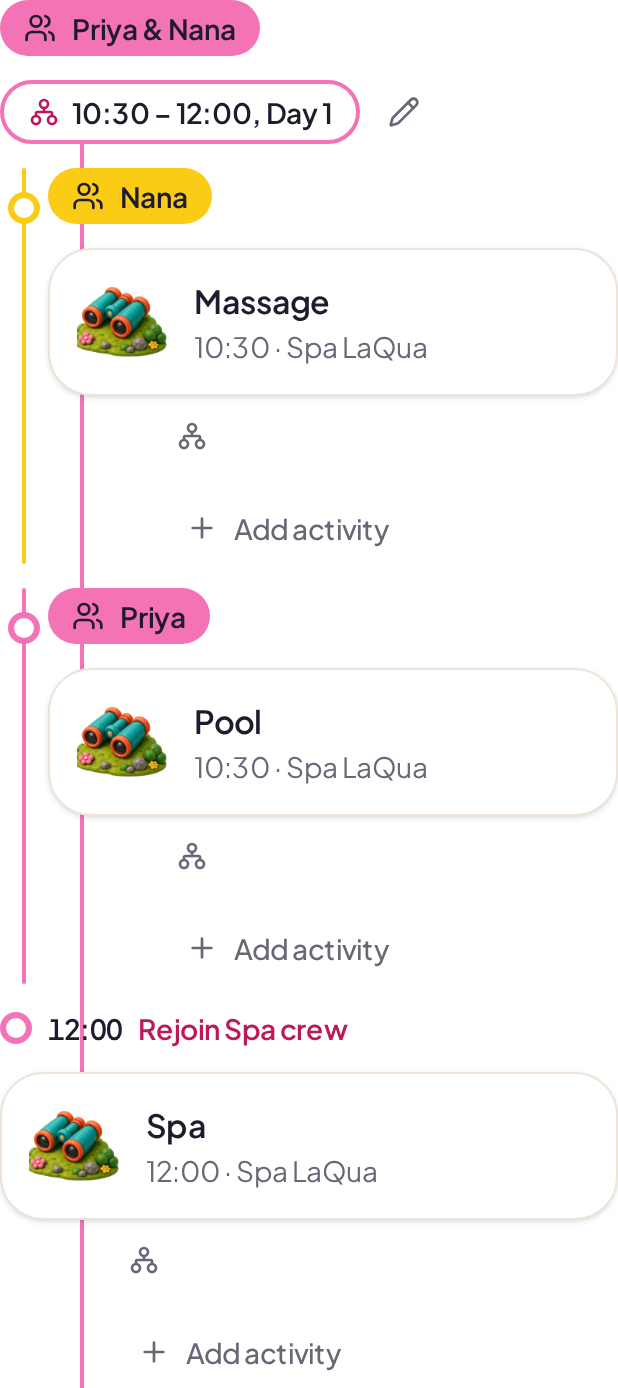
Lanes let the group split up. Sometimes a lane needs to split too: the spa crew is together all afternoon, but Nana wants a massage from 11 to 12 while the others swim. With nested lanes you split a lane again, inside its lane, and it meets back up with its own lane afterwards.
Split a lane
- On the plan, find the lane and choose Split this lane.
- Pick when it starts From and when it ends Until.
- Name the new lane ("Massage") and tick who's in it, from the people in that lane.
- Choose Create split.
The new lane runs inside its lane on the plan, and everyone else in the lane carries on as before.
Pro
Nested lanes are part of OohWeGo Pro. On a Free trip, Split this lane carries a Pro badge and shows what Pro unlocks. Only the trip's owner pays, and everyone on the trip gets Pro features. Splitting the group into lanes is free on every trip.
More guides
All guides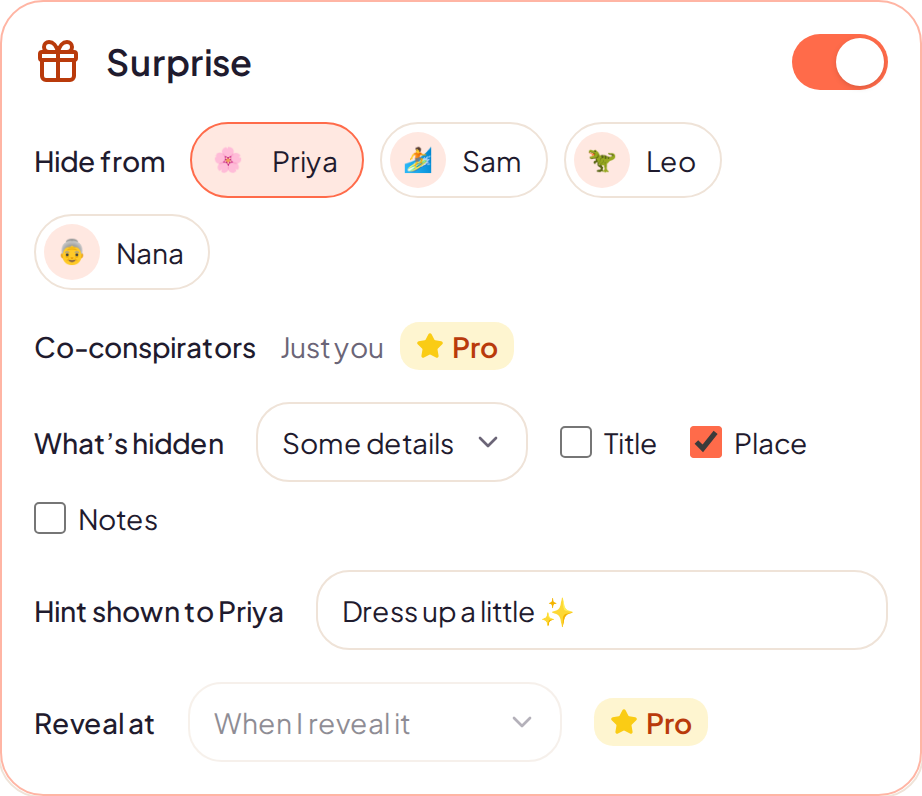 2 min read
Plan surprises and timed reveals
Hide a birthday dinner or a whole activity from someone on your group trip, give them a hint, and reveal it at just the right moment.
Read the guide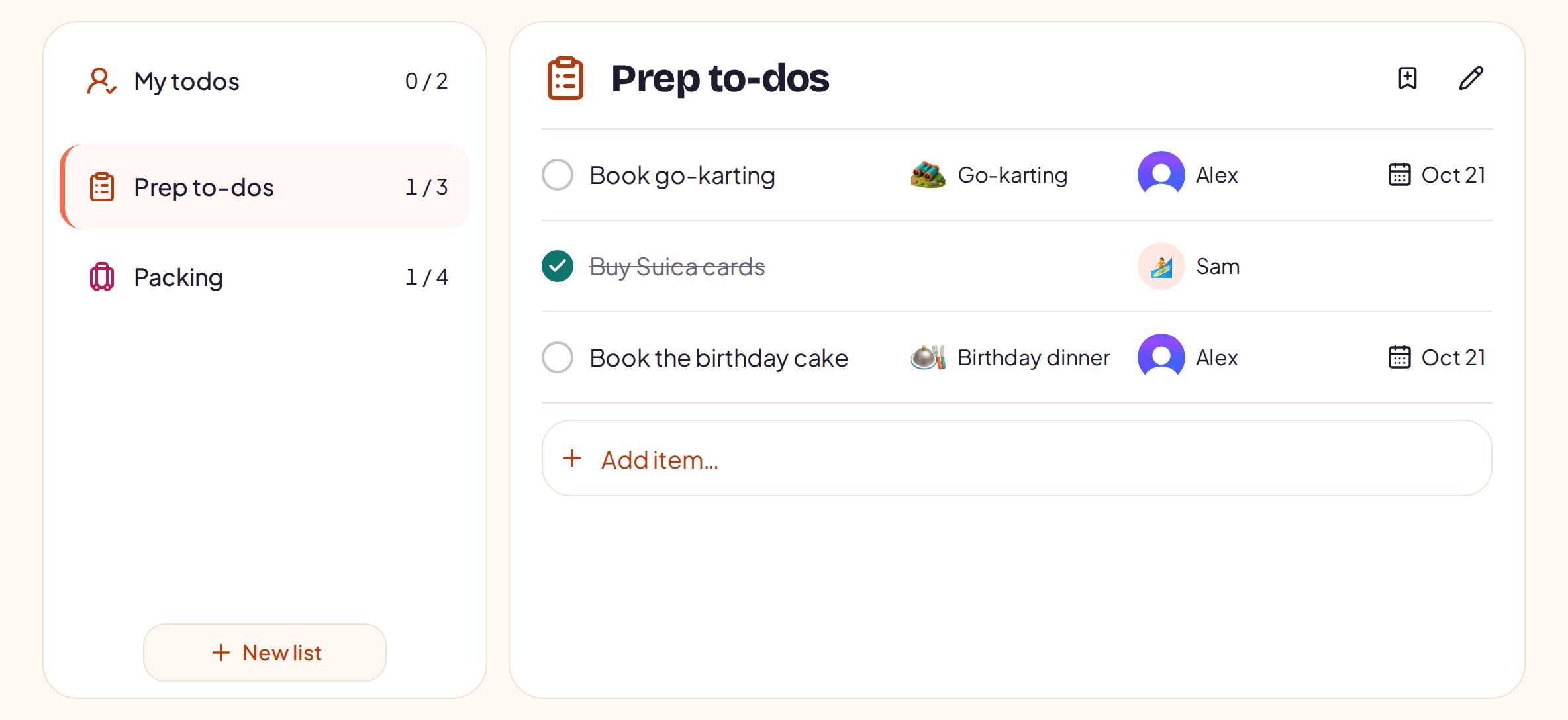 2 min read
Shared lists and packing lists
Keep your group trip's to-dos and packing lists in one place, assign items to people, set due dates with reminders, and reuse lists on every trip.
Read the guide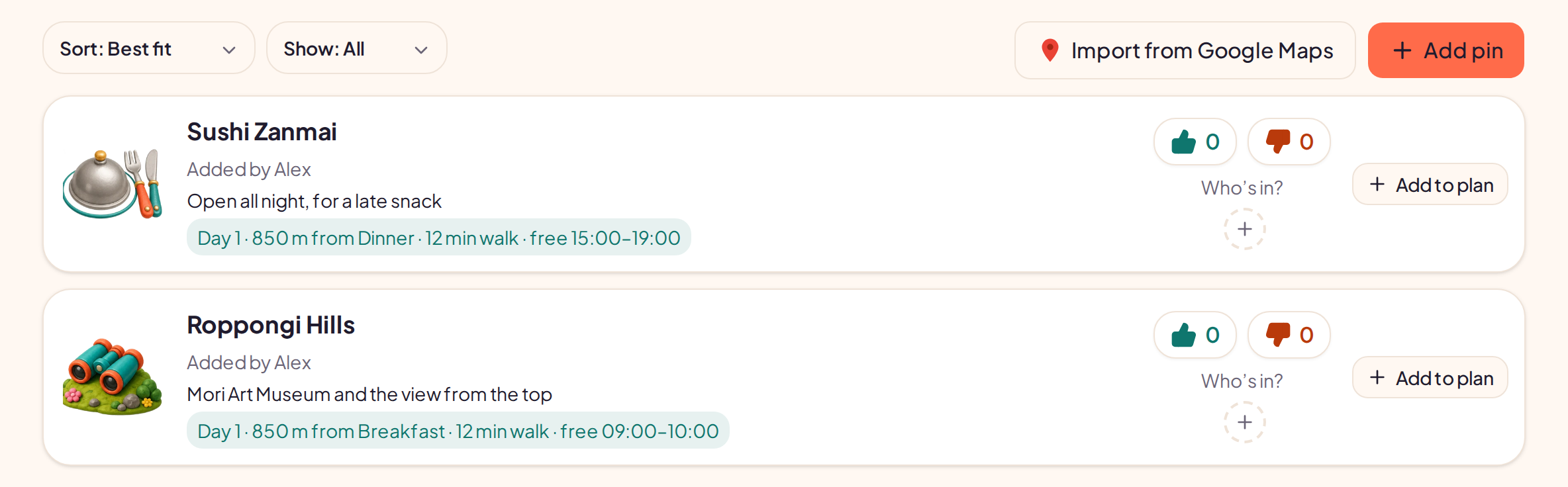 2 min read
The wishlist, and where each place fits
Pin the places your group wants to go, vote on them, and see which day and free time each one fits your trip plan best before you add it.
Read the guide

Plan your next trip together
Free for any group size.