
Plan surprises and timed reveals
Hide a birthday dinner or a whole activity from someone on your group trip, give them a hint, and reveal it at just the right moment.
2 min readUpdated 21 October 2026
Planning a surprise in a shared itinerary usually means a second, secret itinerary. In OohWeGo you keep it in the same plan and hide it from the people it's for.
Make an activity a surprise
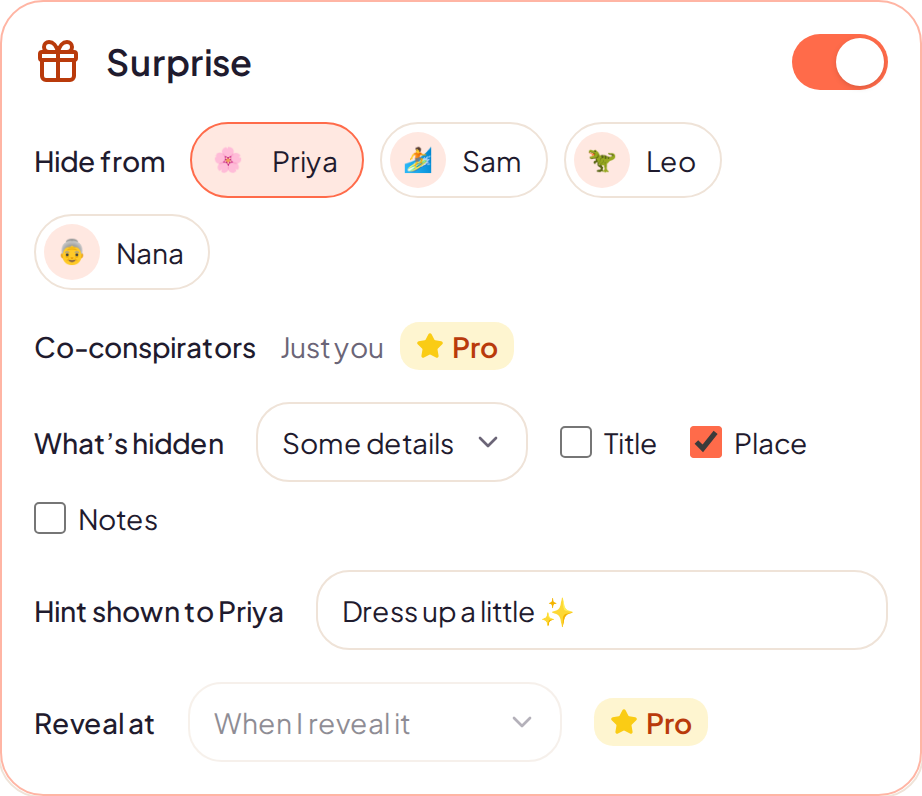
- Add or open an activity and turn on Surprise.
- Under Hide from, tick who it's a surprise for.
- Choose What's hidden:
- All of it: they see that something is planned and when, but not what or where. There's nothing for them to open, and it's not on their map.
- Some details: pick the title, place or notes. For example, hide just the place, so they know it's a birthday dinner but not where.
- Don't show it: it isn't on their plan at all.
- Optionally add a hint they'll see in its place: "Dress up a little ✨" or "Wear comfy shoes 👟".
- Save. On your plan it says who it's a secret from.
If someone books something over a surprise they can't see, you're told ("Nana has Go-karting booked over Birthday dinner (surprise)") so you can sort it out without giving it away.
What to bring
They still need to bring a swimsuit? Add a to-do to one of the trip's lists, link it to the surprise and assign it to them. It shows in their to-dos without saying what it's for.
Reveal it
Open the surprise and choose Reveal now, or set Reveal at to reveal it by itself: when it starts, 15 minutes to a day before, or at a set date and time. When it's revealed, it pops up for them with who planned it, and lands in their inbox ("Surprise unlocked!").
Free and Pro
Every trip gets one surprise free. Pro adds unlimited surprises, timed reveals and co-conspirators: everyone else on the trip is in on it, so the rest of the group can help plan it. On Free, only the person who planned a surprise knows what it is.
More guides
All guides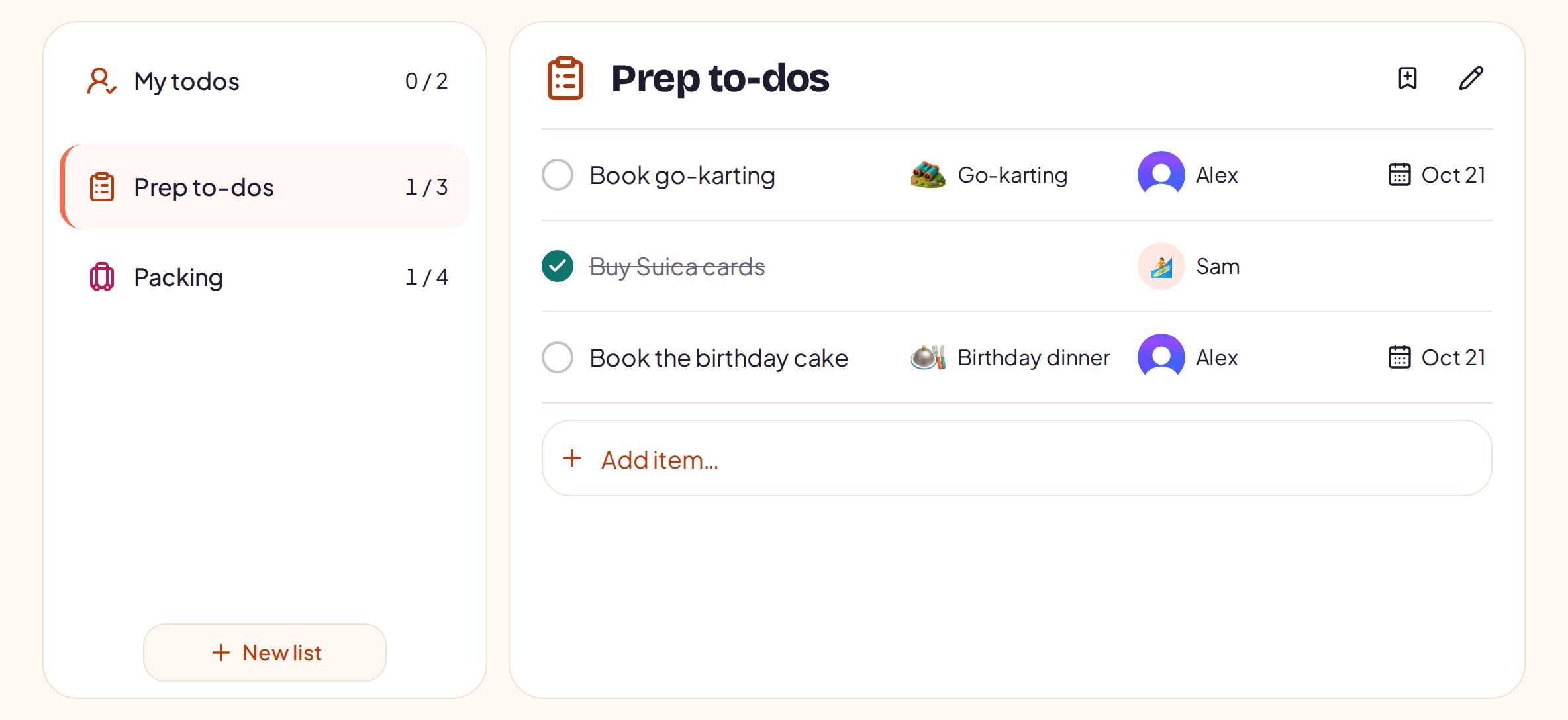 2 min read
Shared lists and packing lists
Keep your group trip's to-dos and packing lists in one place, assign items to people, set due dates with reminders, and reuse lists on every trip.
Read the guide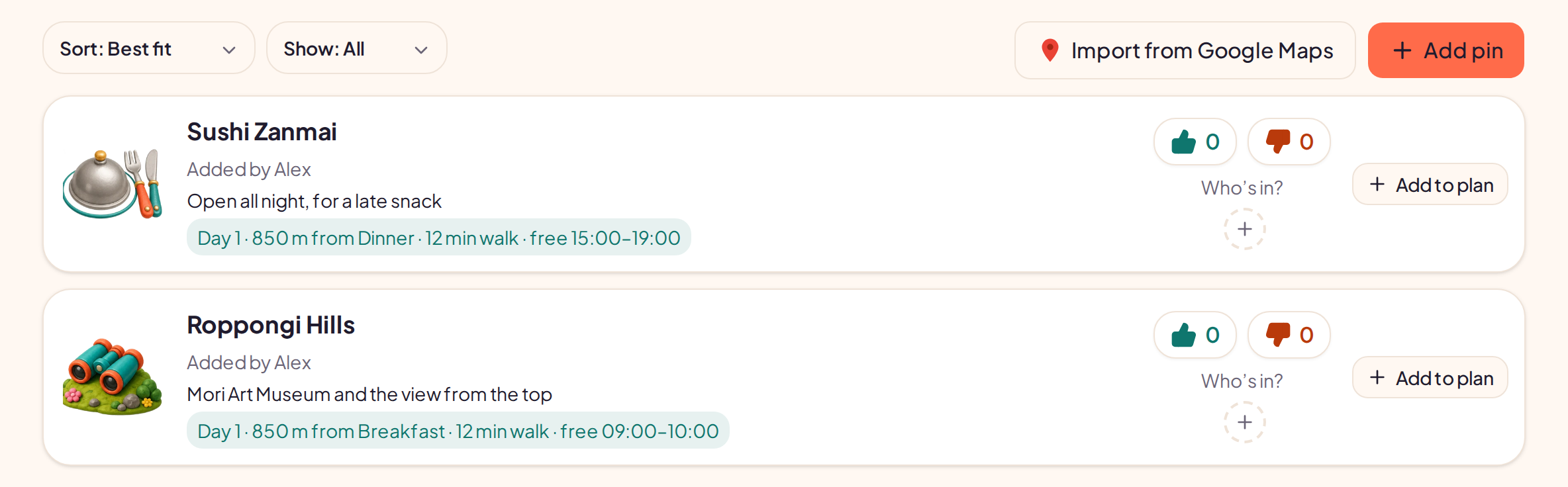 2 min read
The wishlist, and where each place fits
Pin the places your group wants to go, vote on them, and see which day and free time each one fits your trip plan best before you add it.
Read the guide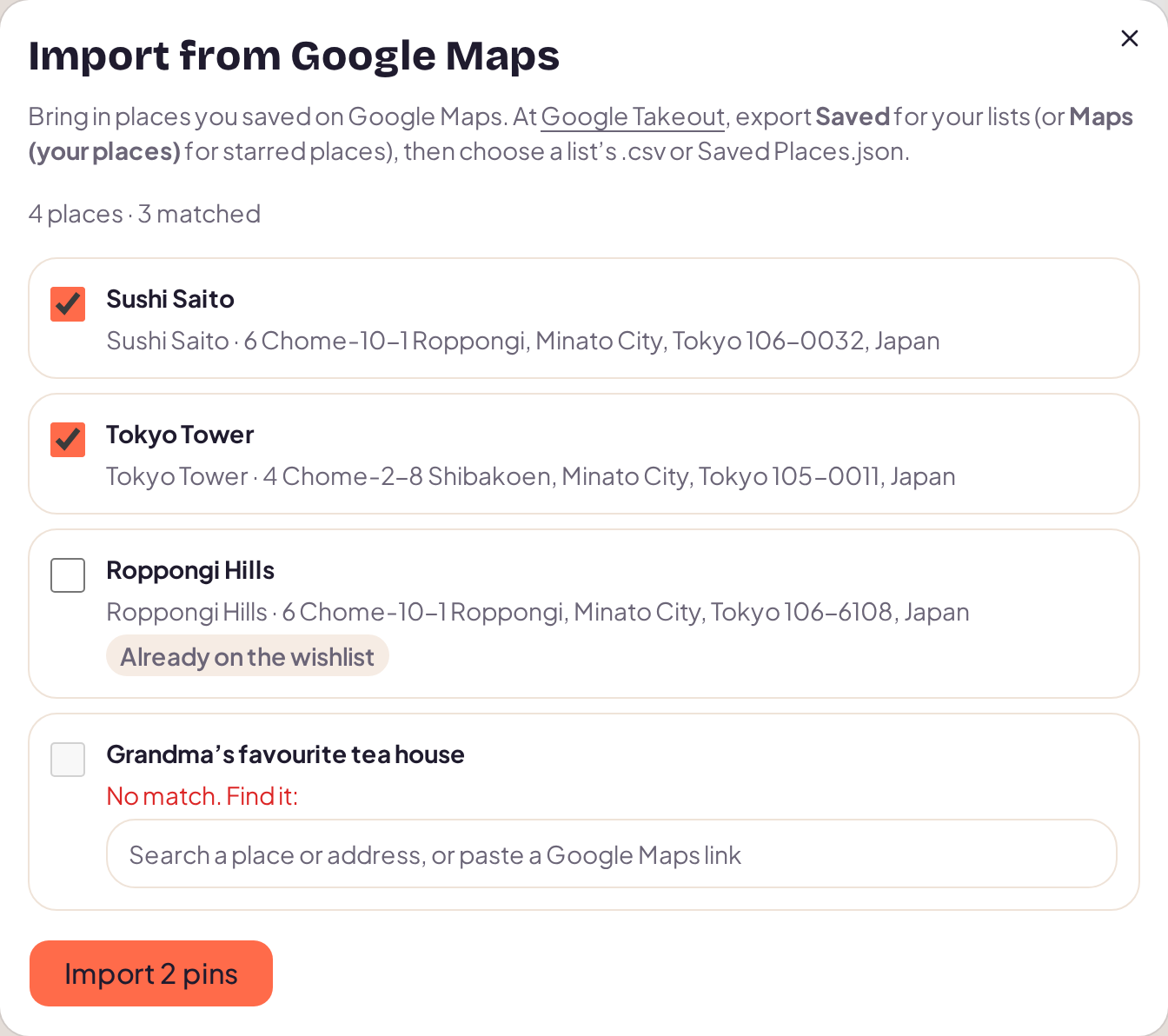 1 min read
Import your saved places from Google Maps
Bring the places you've saved or starred in Google Maps into your group trip's wishlist, matched, checked and pinned in one go.
Read the guide

Plan your next trip together
Free for any group size.